1. Standing Out in Discord Server Member Lists and Voice Lobbies
Whether you run a massive community server with tens of thousands of members, lead a competitive gaming guild in Valorant or Apex Legends, or simply hang out with friends in voice lobbies, your Discord profile name is your primary visual identifier. Whenever you talk in a voice channel, send a message, or appear in the right-hand member sidebar, your name defines your visual footprint.
However, by default, Discord renders all usernames in standard system font weight and size. In a crowded server sidebar containing hundreds of active members, a standard plain username effortlessly blends into the background noise.
Gamers, server owners, and VIP role holders frequently seek ways to make their names look larger, bolder, and more distinctive. While Discord natively allows markdown formatting (such as # Header) inside chat messages, these markdown tags do not work inside username fields. Fortunately, by leveraging universal mathematical Unicode typography generated with our free Big Text Generator, you can transform your plain name into an unforgettable, bold display tag that commands attention across all platforms.
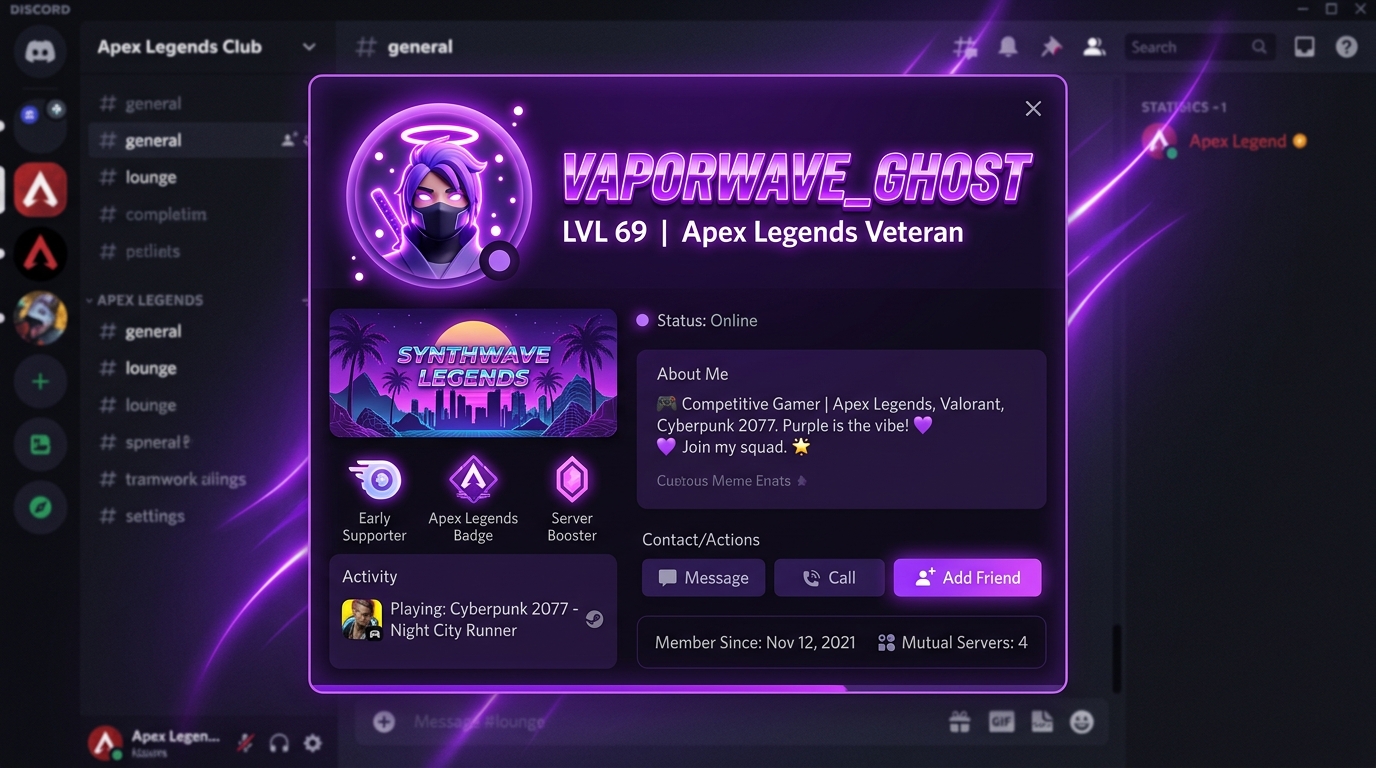
To make your text look big on Discord: Open Big Text Generator, type your desired gamer tag, copy a high-visibility bold style (such as Bold Sans 𝗕𝗢𝗟𝗗 or Fullwidth BIG), navigate to Discord User Settings > Profiles, paste the text into your Display Name or Server Nickname, and click Save Changes.
2. Discord Identity Architecture: Username vs Display Name vs Server Nicknames
To style your name effectively, it is critical to understand the major changes Discord made to its identity system under the official Discord Username & Display Name Policy. Discord separates user identities into three distinct tiers:
- 1. Unique Username (The @handle): This is your permanent, unique system handle (e.g.,
@neon_gamer). It is all-lowercase, alphanumeric, contains no hashtags (#0001 discriminators were retired), and does NOT permit special Unicode stylized fonts. It exists purely for account login, direct tagging, and friend requests. - 2. Global Display Name (How you appear everywhere): This is your primary public persona. It appears at the top of your profile card, in Direct Messages, and on servers where you have not set a custom nickname. Discord allows full Unicode styling in this field! This is where you can apply big bold typography.
- 3. Server Nickname (Per-Server Identity): Discord allows you to customize your name on a server-by-server basis. If one server is a professional coding hub while another is a casual anime or gaming guild, you can maintain completely different stylized nicknames on each server without altering your global profile.
Never try to paste stylized fonts into your unique @handle—Discord will return an invalid character error. Always paste your styled big text into your Global Display Name or Server Nickname.
3. Why Markdown (# and **) Fails in Usernames and How Unicode Solves It
If you have read our guide on how to make big text on Discord, you already know that typing # Header creates giant text inside chat messages. Naturally, many users wonder: Can I just type "# MyName" into my Discord profile name?
Unfortunately, no. Discord’s username parser specifically treats input as raw literal strings. If you type # MyName or **MyName** into your Display Name, Discord will literally display the hashtag and asterisks: "# MyName" or "**MyName**".
The only way to achieve authentic bold, oversized, or high-contrast letters in a Discord name is through Unicode Mathematical Alphanumeric Characters defined by Unicode Standard Code Charts. These are independent glyphs that have bold weight and geometric width baked directly into their character encoding. Because Discord renders Unicode natively in all user interfaces, your stylized name displays perfectly on Windows, macOS, Linux, iOS, Android, and web browsers.
4. Top Big & Bold Unicode Styles Tailored for Discord Profiles
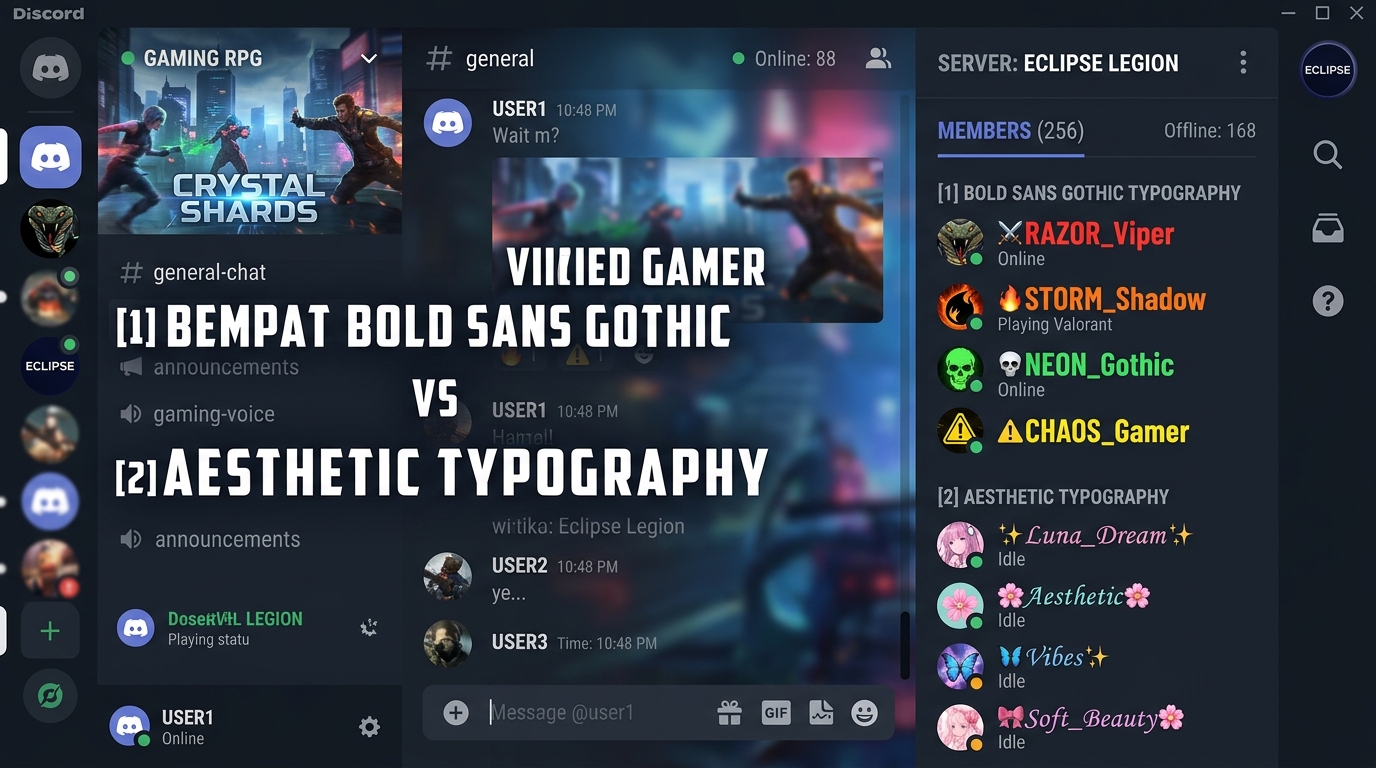
Different game genres and server themes call for different aesthetic styles. Here are the top five high-performing typography styles generated by Big Text Generator that render seamlessly across Discord:
| Style Name | Preview in Discord | Visual Impact & Description | Best Server Genre |
|---|---|---|---|
| Mathematical Bold Sans | 𝗕𝗜𝗚_𝗚𝗔𝗠𝗘𝗥 | Extremely thick, modern, high-contrast, clean | Competitive esports (Valorant, CS2, CoD) |
| Fullwidth / Wide Spaced | BIG_GAMER | Massive horizontal footprint, vaporwave look | Anime servers, chill lounge, music communities |
| Gothic Fraktur | 𝕭𝕴𝕲_𝕲𝕬𝕸𝕰𝕽 | Intimidating, medieval, dark fantasy style | MMORPGs (WoW, Elden Ring, Diablo, FFXIV) |
| Double-Struck (Blackboard) | 𝔹𝕀𝔾_𝔾𝔸𝕄𝔼ℝ | Hollow outline characters with futuristic vibe | Tech hubs, programming servers, crypto guilds |
| Small Capital Letters | ʙɪɢ_ɢᴀᴍᴇʀ | Refined, minimalist, clean, compact luxury | Roleplay communities, aesthetic art studios |
5. Step-by-Step Tutorial: Changing Your Discord Display Name
Updating your Discord profile name with big bold text is straightforward. Follow these steps on either desktop or mobile:
- Step 1: Generate Your Styled Text: Open your web browser and visit Big Text Generator. Type your desired gaming tag into the input box and choose your preferred style (such as Bold Sans or Fullwidth).
- Step 2: Copy to Clipboard: Tap or click the "Copy" button on your selected font card.
- Step 3: Open Discord Settings: On Desktop, click the gear icon (⚙️) located in the bottom-left corner next to your avatar. On Mobile, tap your profile avatar in the bottom-right navigation bar, then tap the gear icon.
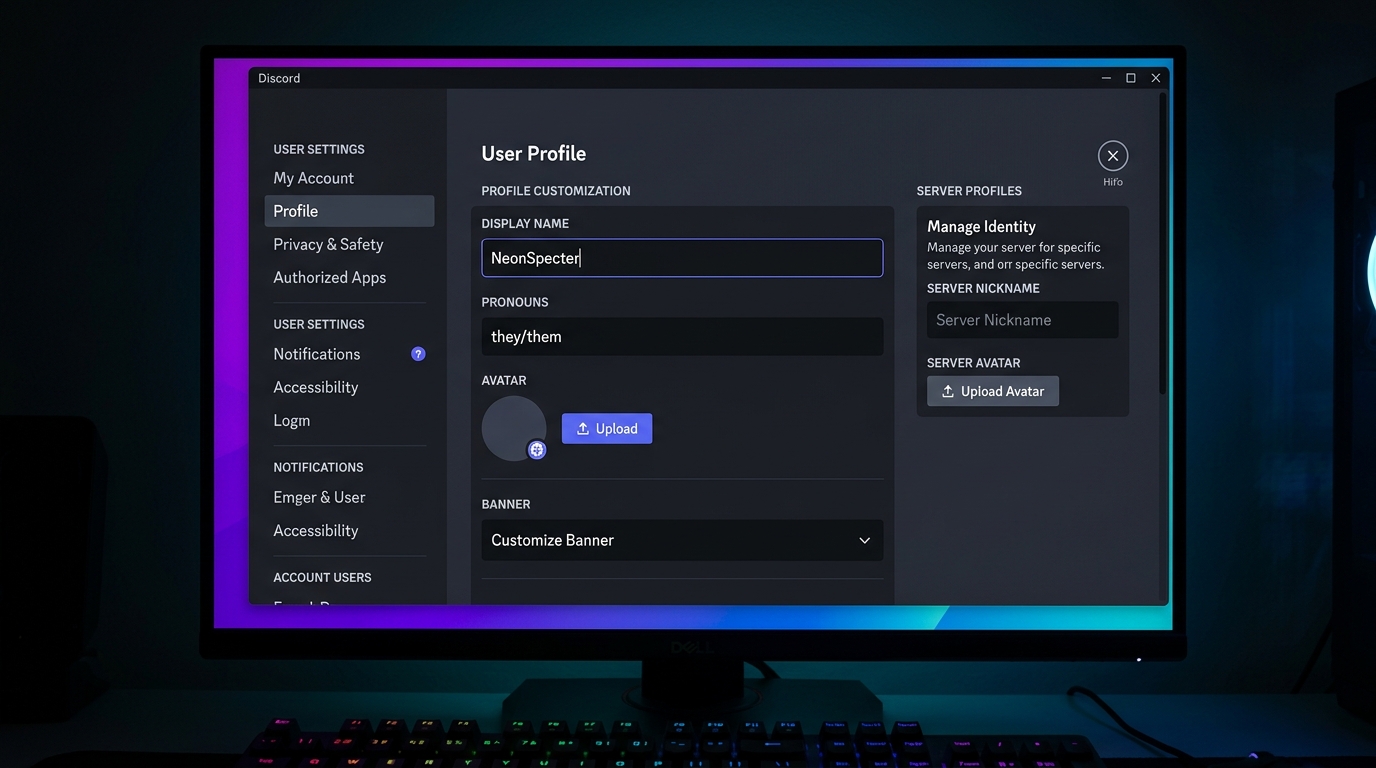
- Step 4: Navigate to Profiles: Under the "User Settings" menu, click on Profiles (or "Edit Profile" on mobile).
- Step 5: Paste in Display Name: In the Display Name field, delete your old name, right-click (or long-press), and select Paste.
- Step 6: Save Changes: Click the green Save Changes banner at the bottom of the screen. Your new big bold display name is now active globally across all your servers and DMs!
6. Server Nickname Customization: Customizing Your Name per Server
If you belong to multiple Discord servers with vastly different cultures, you might not want your gothic esports gamer tag displaying in a professional developer or university study server.
Discord provides the Server Profile feature, which lets you maintain unique nicknames on specific servers:
- On Desktop: Right-click your own name in the server's right-hand member list, select Edit Server Profile, and paste your stylized nickname into the Server Nickname box.
- Alternative Slash Command: In any channel where you have permission, type
/nickfollowed by a space, paste your styled text from Big Text Generator, and press Enter. - On Mobile: Tap the server name at the top of the channel list, select the three dots (•••) > Edit Server Profile, and paste your custom bold text.
Changing your nickname requires the "Change Nickname" permission on that server. On most public community servers, this is enabled by default for all members, but some strictly moderated servers may restrict it.
7. Advanced Profile Styling: Nitro Banners, Badges & "About Me" Markdown
If you want to create an elite, fully coordinated Discord profile, pairing your big bold name with other profile customization features yields stunning results:
- The "About Me" Bio Section: Unlike usernames, Discord’s "About Me" bio section DOES support standard Discord markdown! You can use native markdown headers (
### Bio Header), bold text (**Text**), quote blocks (> Quote), and clickable links directly in your bio. - Aesthetic Wing Symbols: Frame your bold name with decorative Unicode symbols such as
꧁ 𝗕𝗜𝗚 𝗚𝗔𝗠𝗘𝗥 ꧂,⚡ 𝗕𝗜𝗚 𝗚𝗔𝗠𝗘𝗥 ⚡, or⚔️ 𝕲𝕬𝕸𝕰𝕽 ⚔️. - Coordinated Nitro Banner: If you subscribe to Discord Nitro, pair your bold font colors with a custom animated banner (GIF) that matches the typographic vibe (e.g., synthwave neon graphics for Fullwidth fonts, or medieval dark banners for Fraktur Gothic).
8. Server Rules & Moderation Restrictions: Avoiding Kicks & Nickname Bots
While custom fonts look incredible, being a good community member means understanding server moderation policies according to the Discord Platform Reference Guidelines:
- Mention / Tagging Usability: When people want to tag you using
@username, Discord’s autocompletion engine searches both your unique @handle and your display name. If you use an obscure stylized font, members may find it slightly harder to type out your name manually. Having an easy-to-type standard @handle solves this. - Automated Anti-Hoisting Bots: Many large Discord servers deploy moderation bots (like Carl-bot, Dyno, or AutoMod) configured with "anti-hoisting" filters. Hoisting is the practice of placing exclamation marks (
!) or special symbols at the start of a name to force it to the very top of the alphabetical member list. Avoid starting your name with punctuation symbols like!or.to prevent bots from automatically stripping your nickname. - Zalgo Glitch Text Bans: Avoid using extreme "Zalgo" corrupt text generators that stack dozens of combining diacritical marks (e.g.,
B̴I̴G̴). Discord’s built-in chat engine and server bots often flag or automatically rename accounts using heavy Zalgo marks because they overflow into adjacent chat lines.
9. Troubleshooting Discord Name Issues: Broken Glyphs and Resets
If your custom name looks strange or encounters issues, here are the most frequent causes and how to resolve them:
- Issue: Name displays as boxes with an X (☒☒☒) on mobile: If a friend on an older Android device sees boxes instead of your name, their operating system lacks font support for Unicode Supplementary Plane 1 glyphs. Check our detailed guide on why fonts change into boxes on older Android phones.
- Issue: Discord error "Display name contains invalid characters": This happens if you accidentally tried to edit your unique
@usernameinstead of yourDisplay Name. Double check that you are in the "Display Name" or "Server Nickname" field. - Issue: Nickname was automatically changed to a random word: If your nickname suddenly changes to "JohnDoe123" or "Moderated Nickname", a server bot scrubbed your name due to strict server name rules. Simply keep your custom styled name for friendly servers and use plain text on strict competitive servers.
Try Big Text Generator Live
Test and copy large Unicode fonts and ASCII block banners instantly for your projects.
Häufig Gestellte Fragen
Can I use # markdown headers in my Discord profile username?
No. Markdown headers like # or ## only work inside Discord chat messages. Usernames, display names, and nicknames ignore markdown and must use Unicode stylized fonts instead.
Does making my Discord display name bold cost money or require Nitro?
No! Changing your Global Display Name or Server Nickname to custom Unicode fonts generated by Big Text Generator is 100% free for all Discord users without needing Nitro.
Can people still mention me with @ if I have a fancy bold display name?
Yes! People can always mention you by typing your standard @username (handle). Furthermore, Discord's mention autocomplete will also match your bold display name when typed.
Why did my nickname on a server get reset to a generic name?
Some strictly moderated servers run anti-hoisting bots or have rules requiring standard alphabet names so members can be tagged easily. In such servers, maintain a standard nickname.
Does big bold text display properly on Discord mobile apps for iOS and Android?
Yes! Modern iOS and Android versions fully support Unicode Mathematical Alphanumeric fonts, ensuring your profile looks identical on phone, tablet, and PC.
What is the character limit for Discord display names and nicknames?
Discord allows up to 32 characters for Display Names and Server Nicknames. Keep in mind that some Unicode glyphs count as 2 code units in UTF-16 character counting.